
Connect Hardware Wallet
Backpack Wallet is the only Solana wallet to support three of the world's most trusted cold storage hardware providers: Ledger, Trezor and Keystone
Important steps before importing a hardware wallet to Backpack
Here's how to connect and import a cold storage hardware wallet to Backpack.
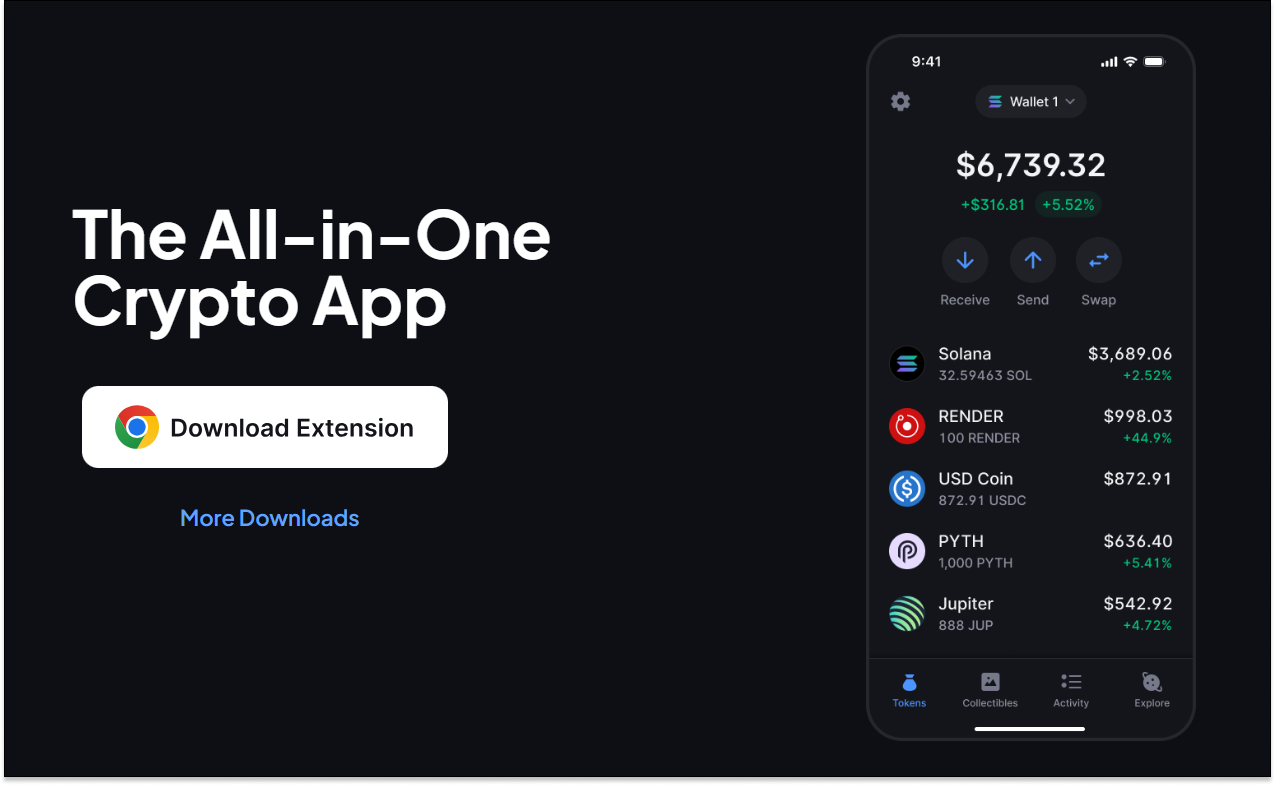
1) Download the Backpack Wallet
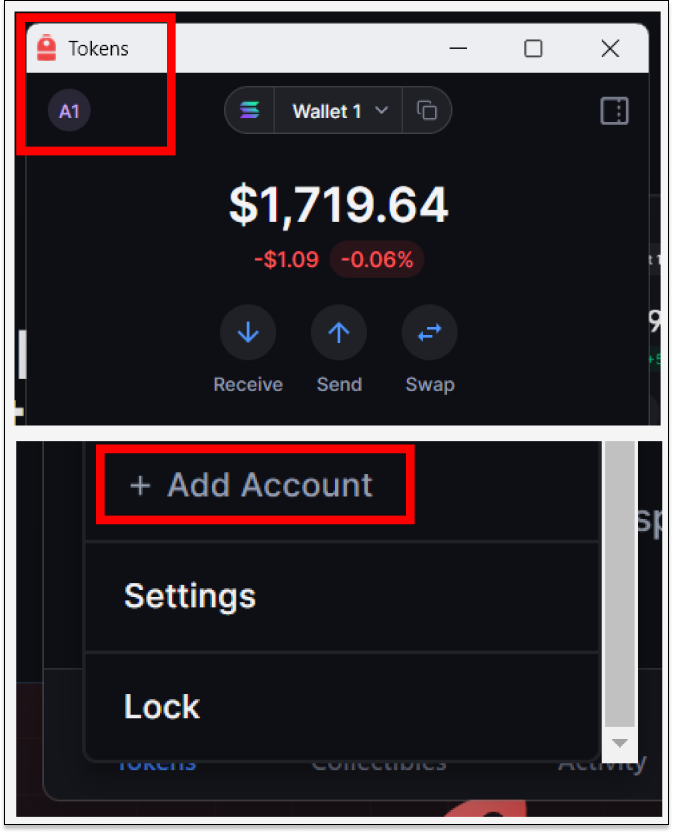
2) After creating an Account, open the Main Menu in Backpack and select 'Add Account'.
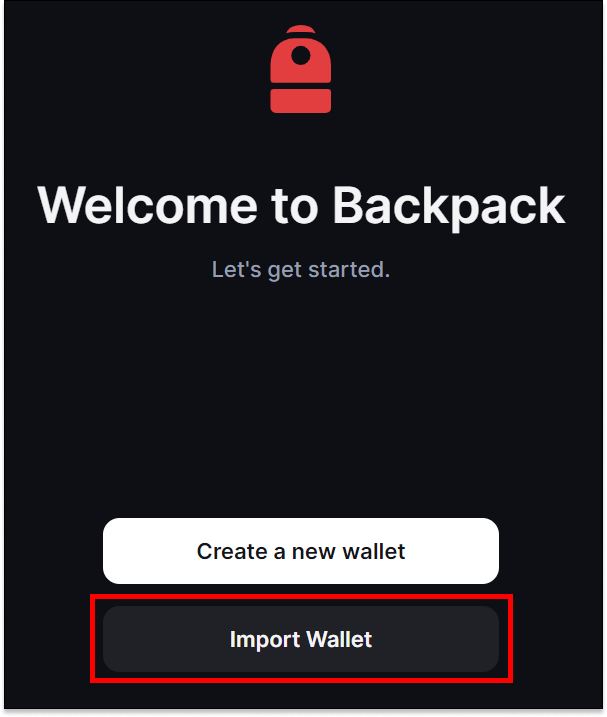
3) Select 'Import Wallet'.
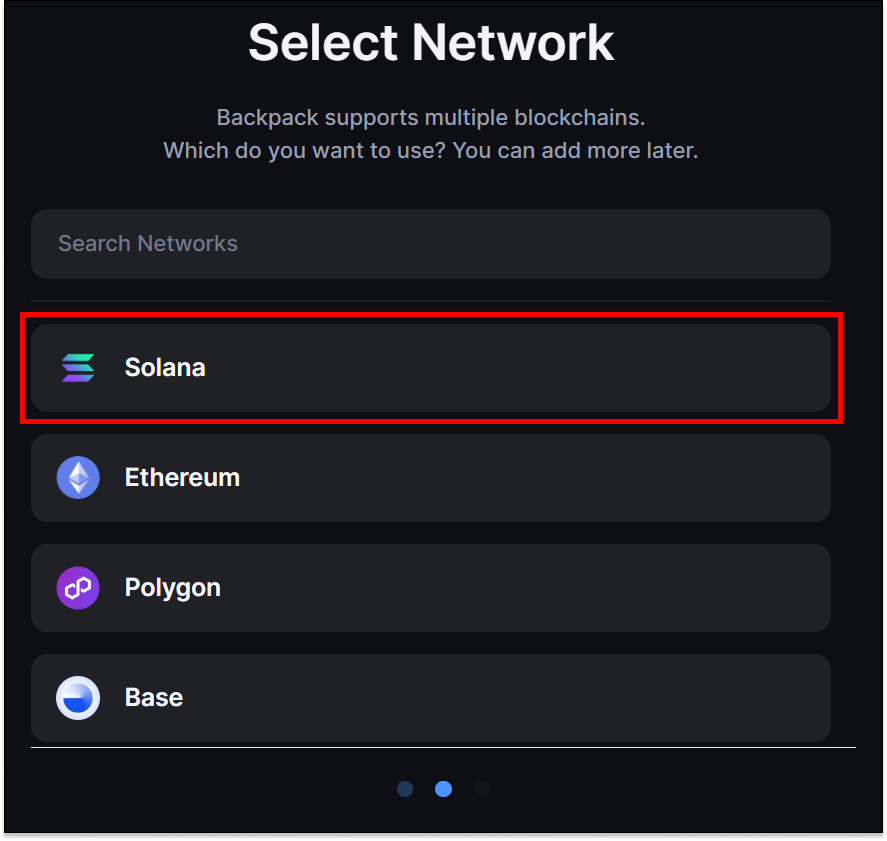
4) Select 'Import Wallet' and choose the appropriate network.
5) Select 'Use a hardware wallet'.
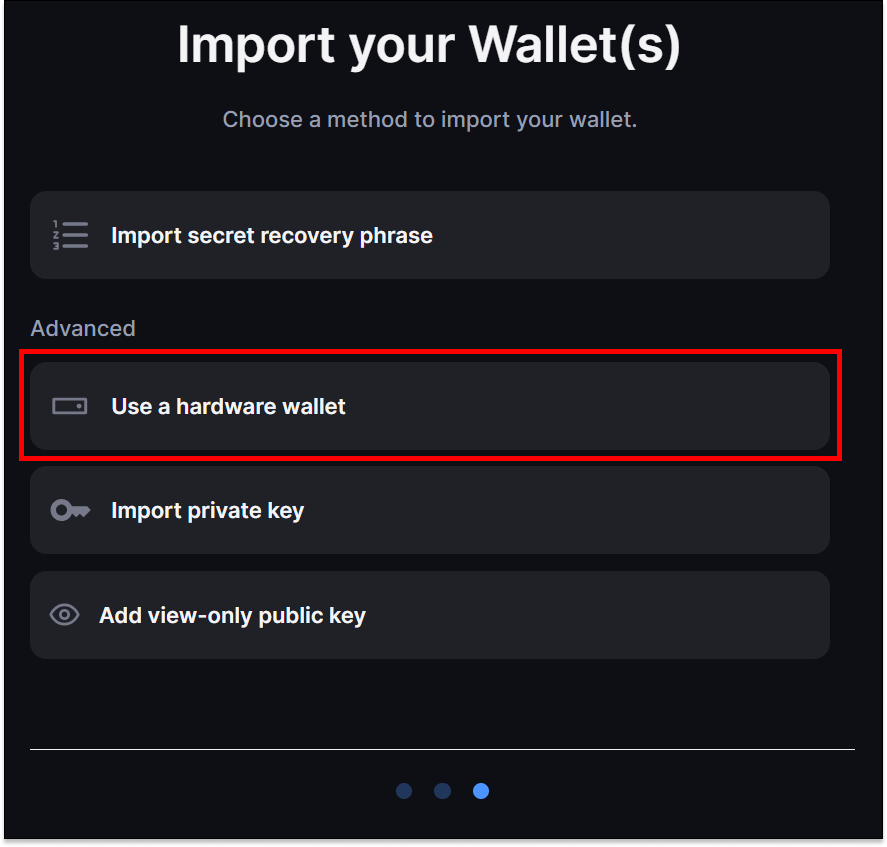
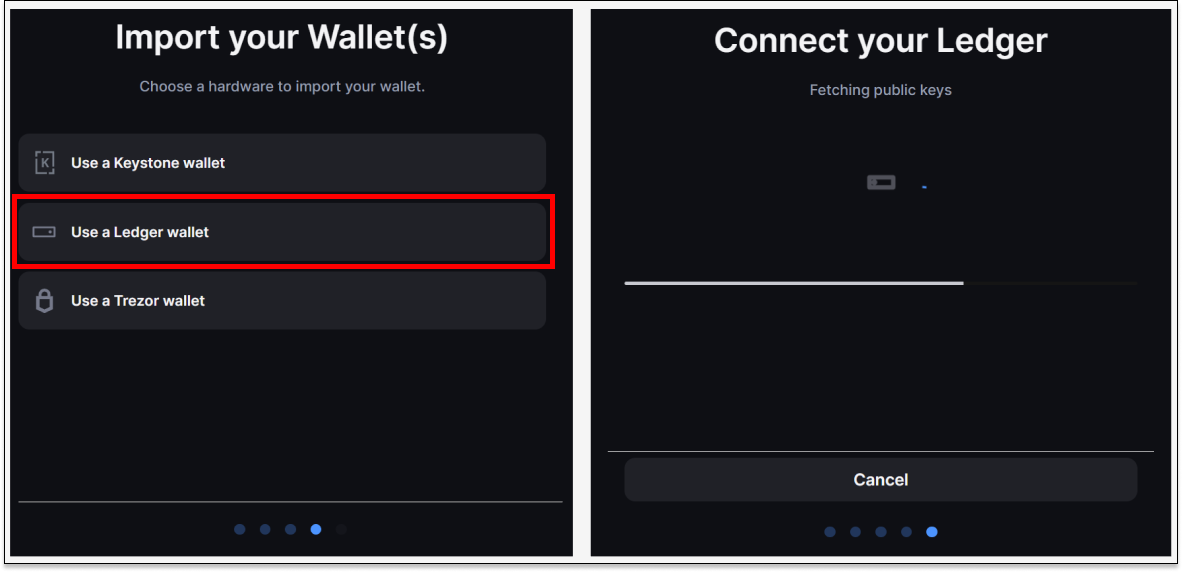
6) Select the appropriate hardware wallet and approve connection requests.
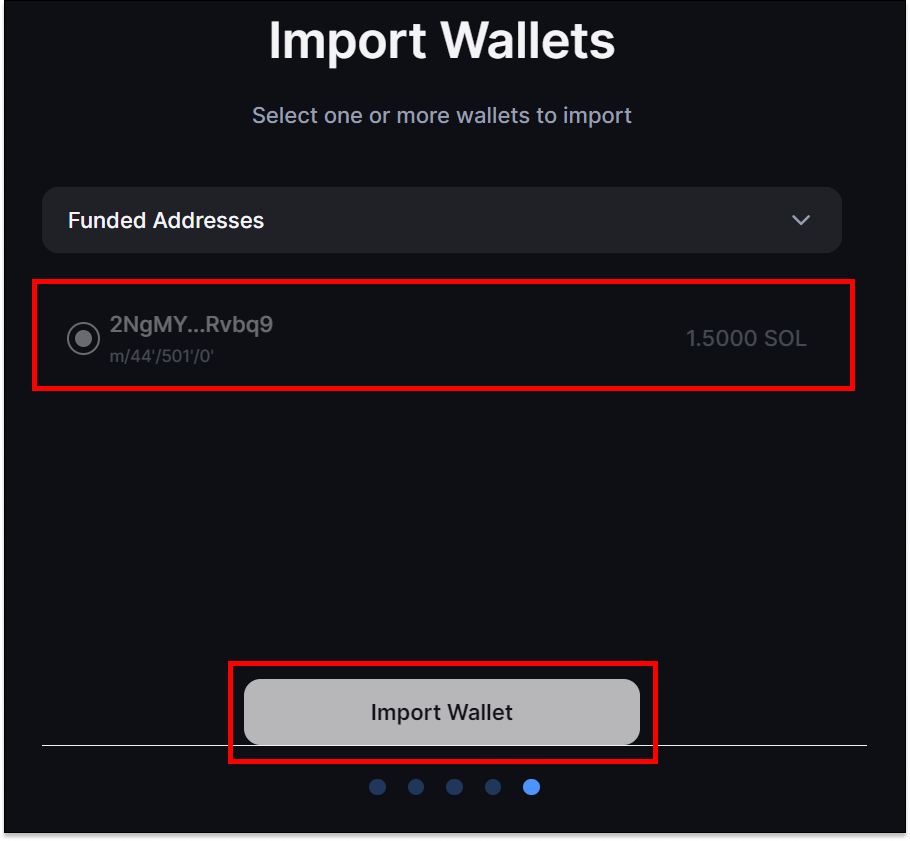
7) Choose the appropriate Funded Address(es) and select 'Import Wallet'.
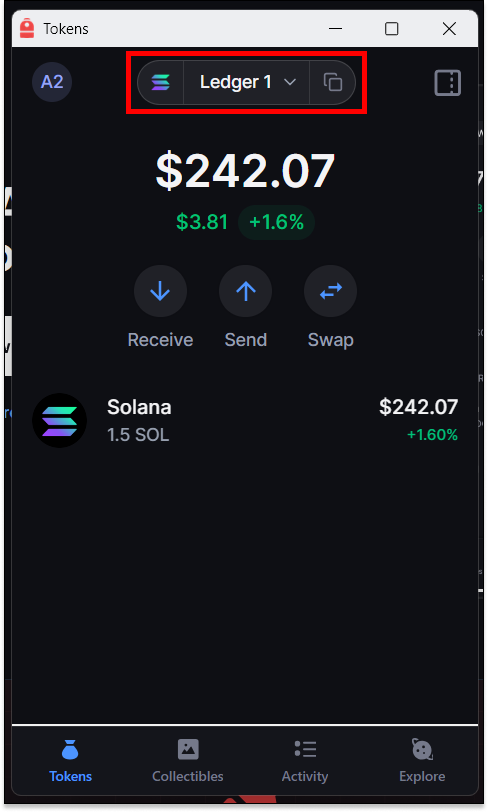
8) Open Backpack Wallet and access your hardware wallet account.
Last updated